

Power Pages is a great tool for building external-facing websites. Sometimes you need to create a dashboard where users will see the insights of their data. This is where aggregate queries come in. By leveraging FetchXML with Liquid, you can calculate sums, counts, averages, and other metrics directly on the server and render only the insights that matter.
Let’s look at a practical example where we want to find the total hours worked this week from a custom table named tm_timeentry.
{% fetchxml hours_this_week_query %}
<fetch aggregate="true" no-lock="true">
  <entity name="tm_timeentry">
    <attribute name="tm_hoursworked" alias="total_hours" aggregate="sum"/>
    <filter type="and">
      <condition attribute="tm_date" operator="this-week"/>
    </filter>
  </entity>
</fetch>
{% endfetchxml %}To access the result, you need to reference the first entity in the result collection and use the alias you defined in the FetchXML, in our case total_hours.
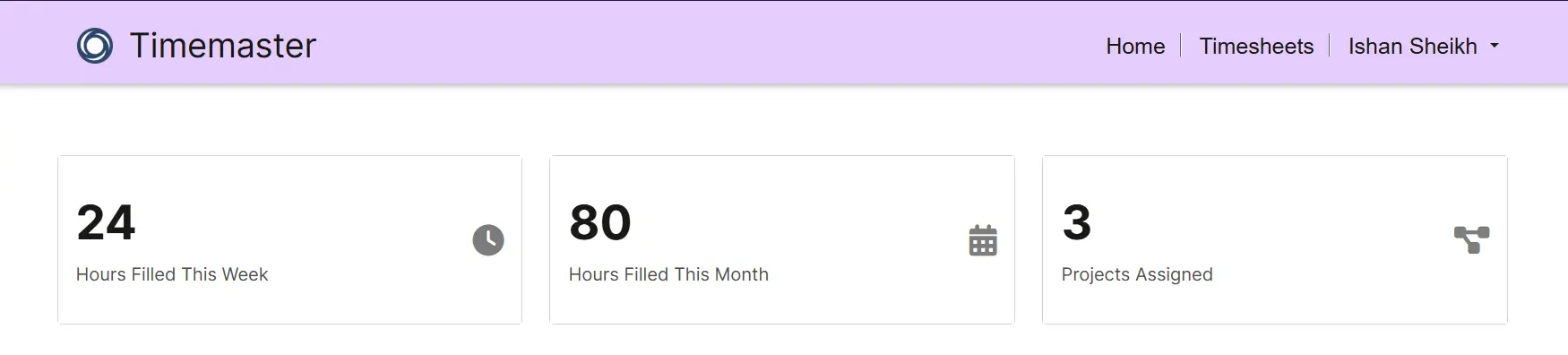
{% assign raw_hours = hours_this_week_query.results.entities[0].total_hours %}You can create dashboards like the one shown below, displaying high-level metrics in a clear visual layout so users can quickly understand their data at a glance.
You’ll find even more supported aggregate functions beyond the above example, like avg, max and min. The full list is available in the official documentation, and it’s worth exploring to take full advantage of what FetchXML can do.