Introduction
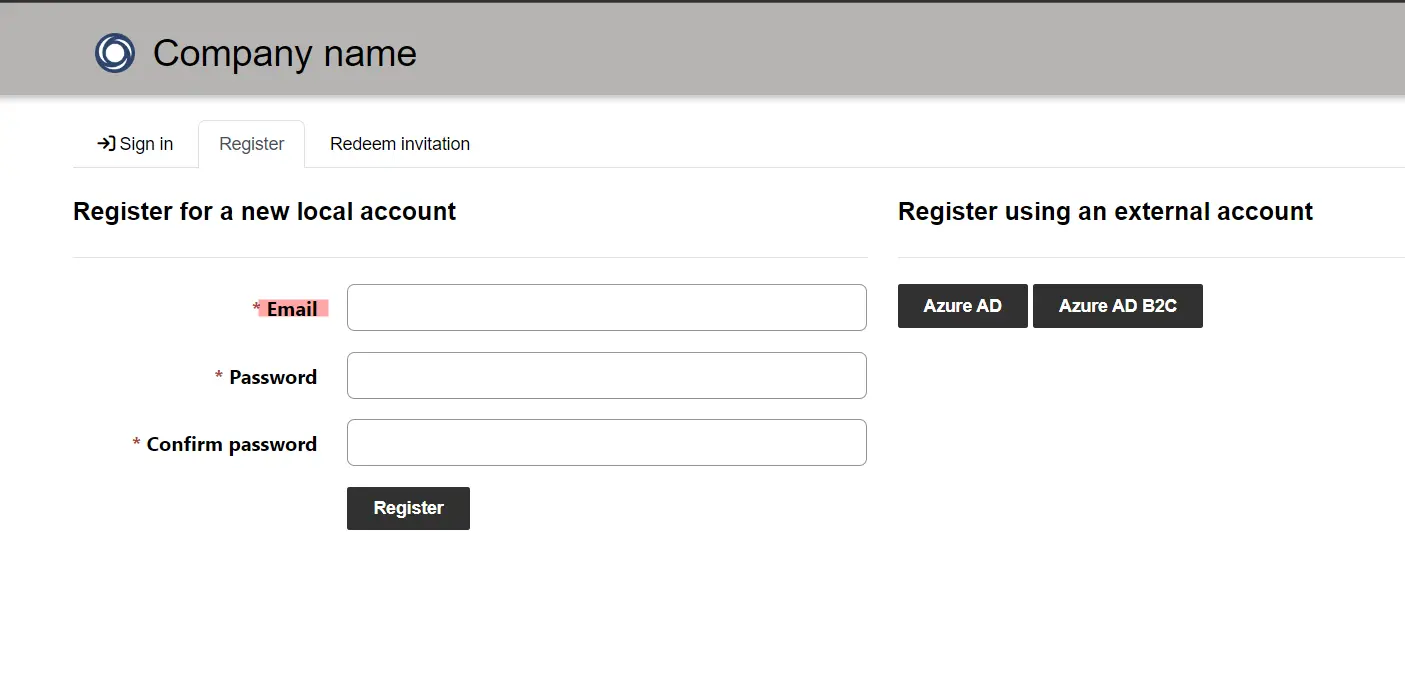
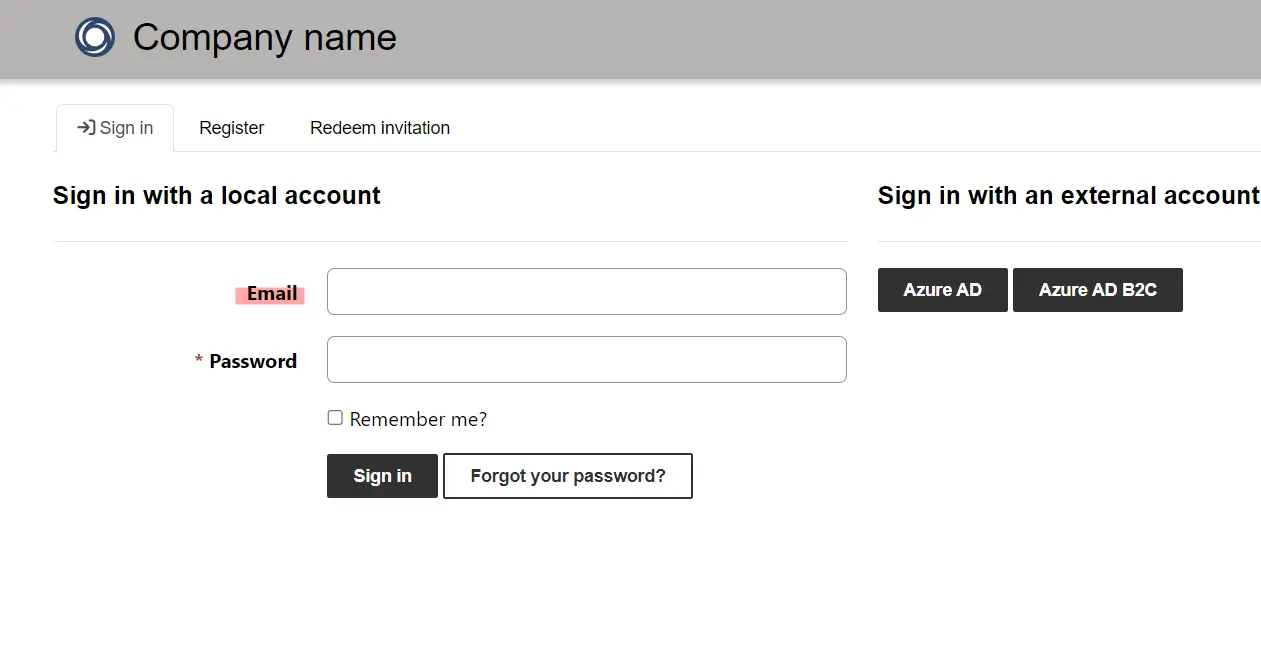
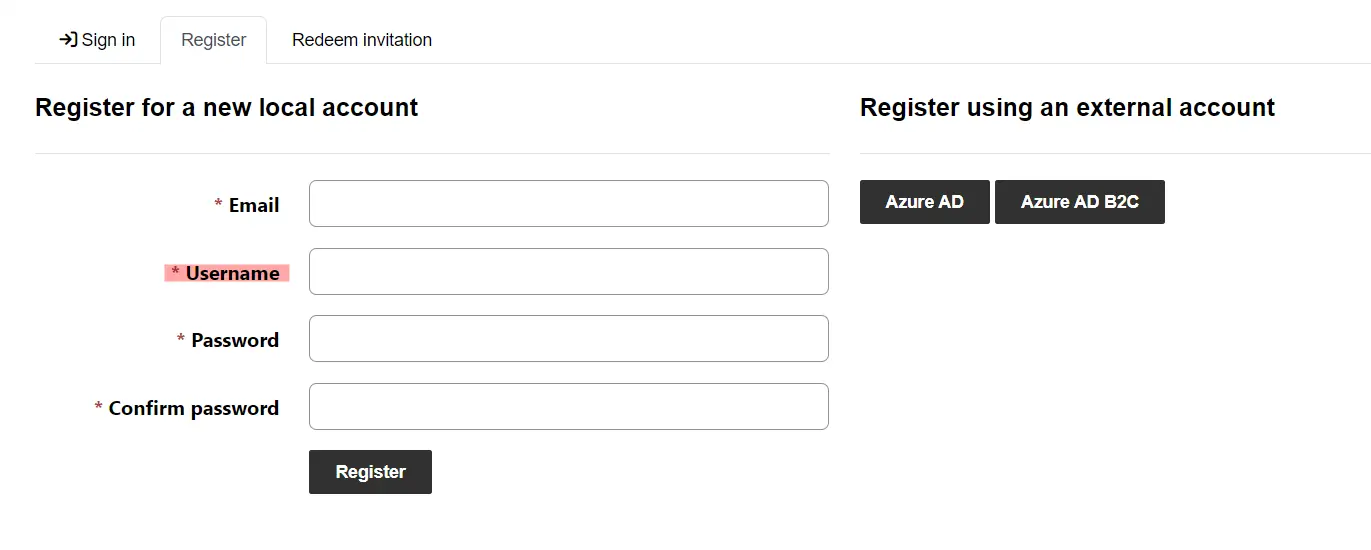
The Power Pages local sign-up and sign-in process has a username field. In this blog, we will learn how to customize this behavior by hiding this field and only using email to register and log in.
Create a site setting
Go to Site Settings and create a new site setting with the name Authentication/Registration/LocalLoginByEmail and assign a value as true.