How to get current user roles in Model-driven App using JavaScript

Learn how to retrieve the current user’s security roles in a Model-Driven App using JavaScript.

 Ishan Sheikh
Learn how to retrieve the current user’s security roles in a Model-Driven App using JavaScript.

Learn how to retrieve the current user’s ID and name in a Model-Driven App using JavaScript. Useful for implementing user-specific logic and customization.

Learn how to use Power Fx to control command button visibility in Power Apps’ modern command bar with a simple, code-free approach.

Easily add Google Analytics to Power Pages using a lesser-known content snippet, no template editing required.
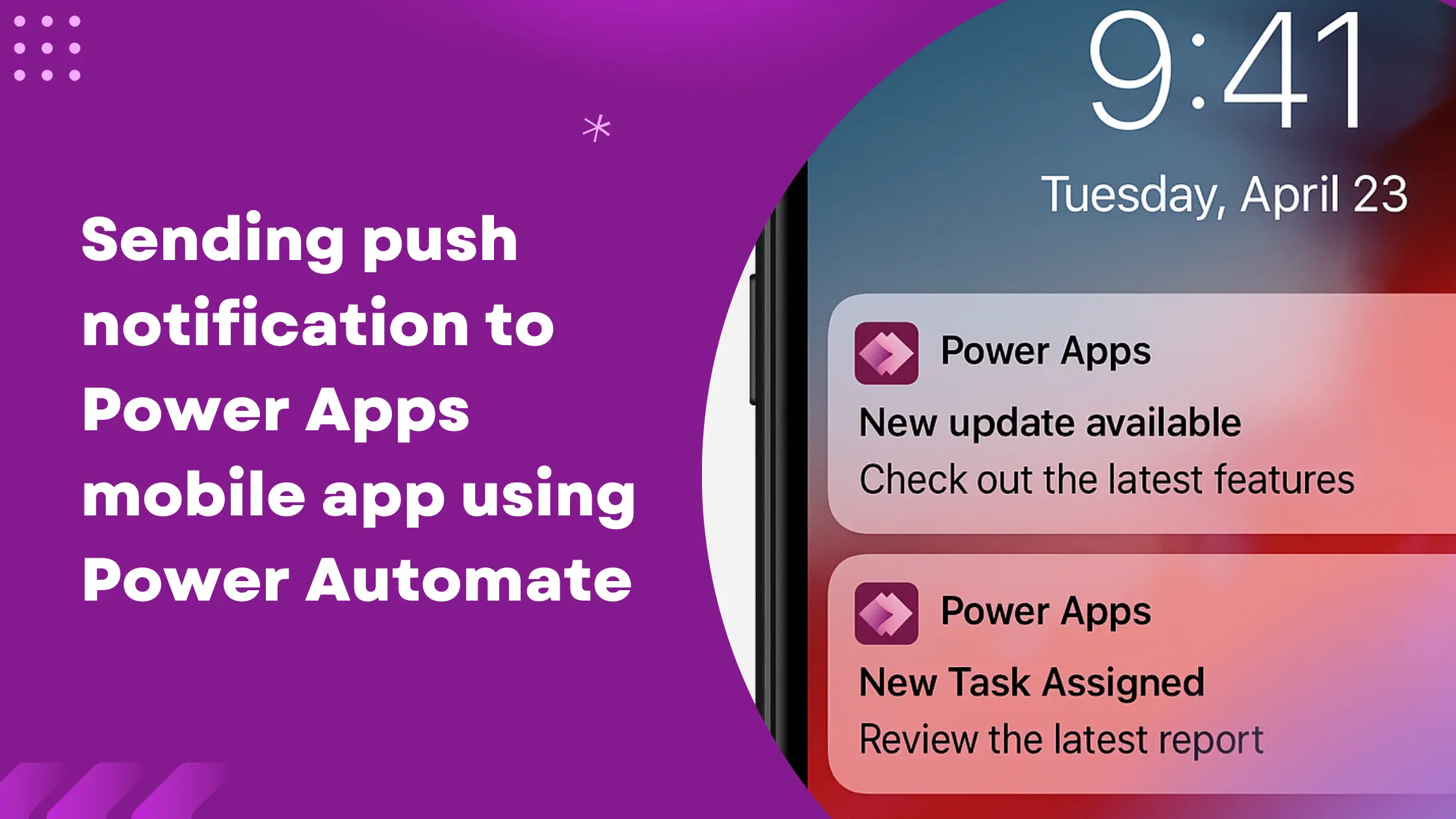
Learn how to send real-time push notifications to the users using Power Automate and keep them informed about latest updates, tasks, or events.

Learn how to customize and control the DatePicker in Power Pages using jQuery.

Explore the key differences between the Standard and Enhanced Data Models in Power Pages.

Learn how to resolve web files size limit issues in Power Pages by increasing the attachment limit in Dataverse settings.

Learn how to pass URI parameters in Power Automate using the Relative Path.

Learn how to hide specific option set values in Power Apps model-driven forms using JavaScript.