Handling long-running HTTP-triggered flows in Power Automate
Avoid timeout issues in long-running Power Automate HTTP-triggered flows by enabling asynchronous responses.

Avoid timeout issues in long-running Power Automate HTTP-triggered flows by enabling asynchronous responses.
Secure your Power Automate HTTP-triggered flows with Microsoft Entra ID authentication and OAuth 2.0 access tokens.

Validate ABN and ACN identifiers within Power Automate with a simple API call. Improve data reliability across your automated flows.
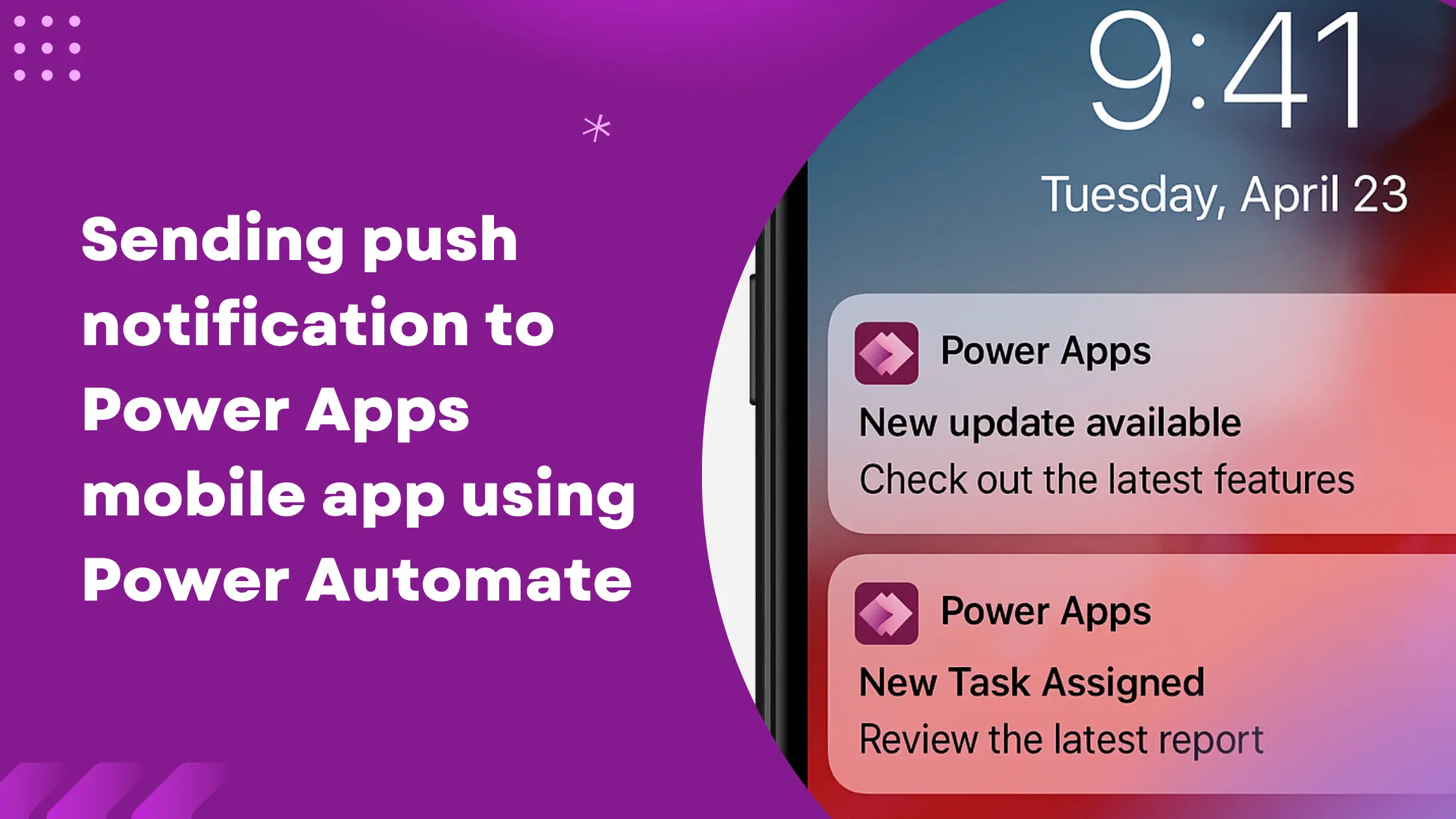
Learn how to send real-time push notifications to the users using Power Automate and keep them informed about latest updates, tasks, or events.
Learn how to retrieve more than 5,000 records from Dataverse in Power Automate by using paging-cookie.

Learn how to pass URI parameters in Power Automate using the Relative Path.
Learn how to retrieve file content and metadata in Power Automate. This guide walks you through extracting base64 content and fetching metadata.

Learn how to seamlessly integrate Power Pages with Power Automate flows using built-in Portal Web APIs. No HTTP triggered flows needed.