Adding CAPTCHA in Power Pages forms

Add an extra layer of security to your Power Pages by enabling built‑in CAPTCHA field for Basic and Multipstep forms.

 Ishan Sheikh
Add an extra layer of security to your Power Pages by enabling built‑in CAPTCHA field for Basic and Multipstep forms.
Learn how to calculate age using the Power Fx and formula columns in Power Apps Dataverse.

Formula columns bring the power of Power Fx directly into Dataverse tables. Learn you can create one and use in your Power App.

Learn how to display dropdown option sets as radio buttons in Power Pages for a cleaner and more user-friendly form experience, no PCF required.

Learn how to retrieve the current user’s security roles in a Model-Driven App using JavaScript.

Learn how to retrieve the current user’s ID and name in a Model-Driven App using JavaScript. Useful for implementing user-specific logic and customization.

Learn how to use Power Fx to control command button visibility in Power Apps’ modern command bar with a simple, code-free approach.

Easily add Google Analytics to Power Pages using a lesser-known content snippet, no template editing required.
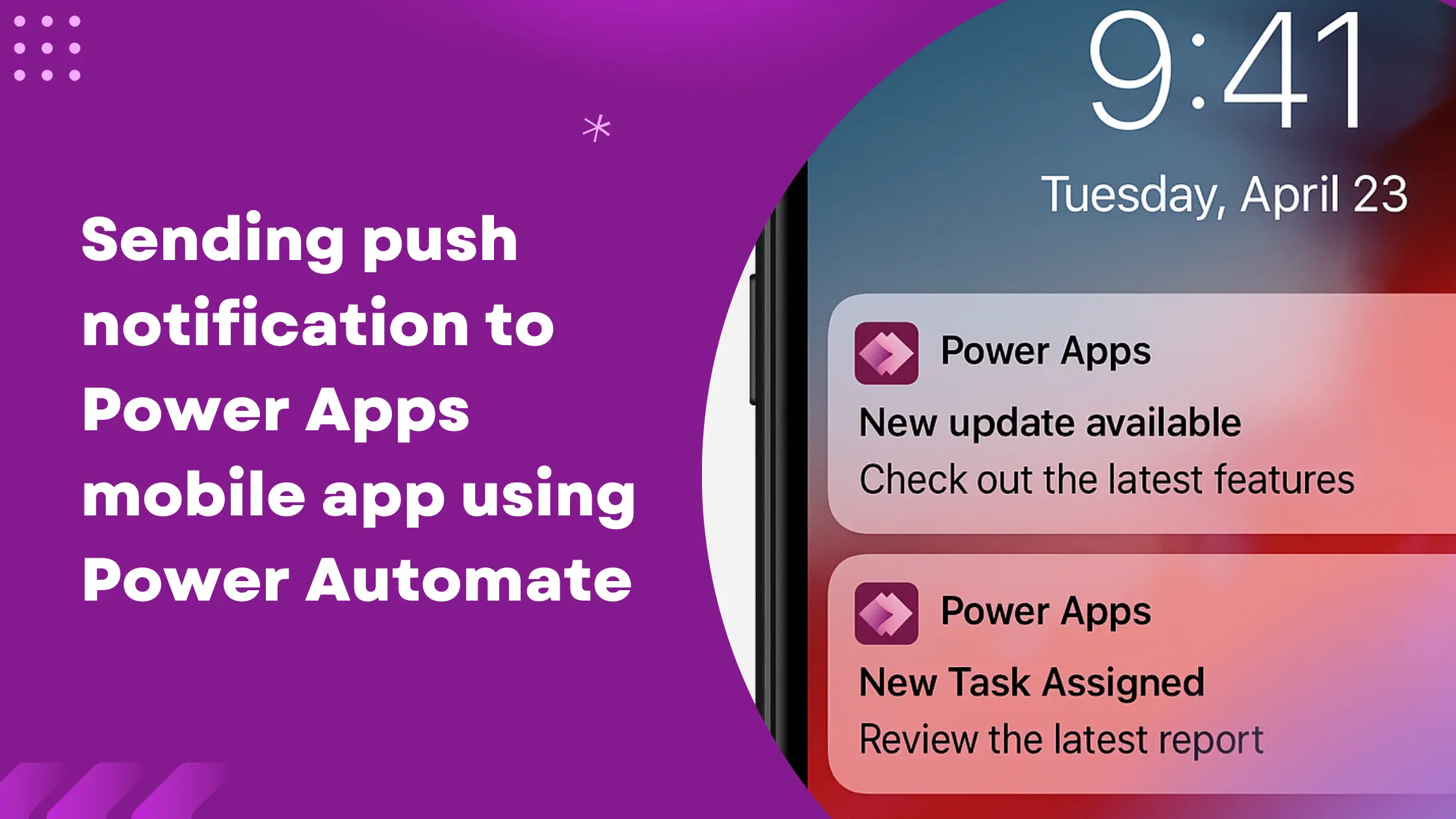
Learn how to send real-time push notifications to the users using Power Automate and keep them informed about latest updates, tasks, or events.

Learn how to customize and control the DatePicker in Power Pages using jQuery.